
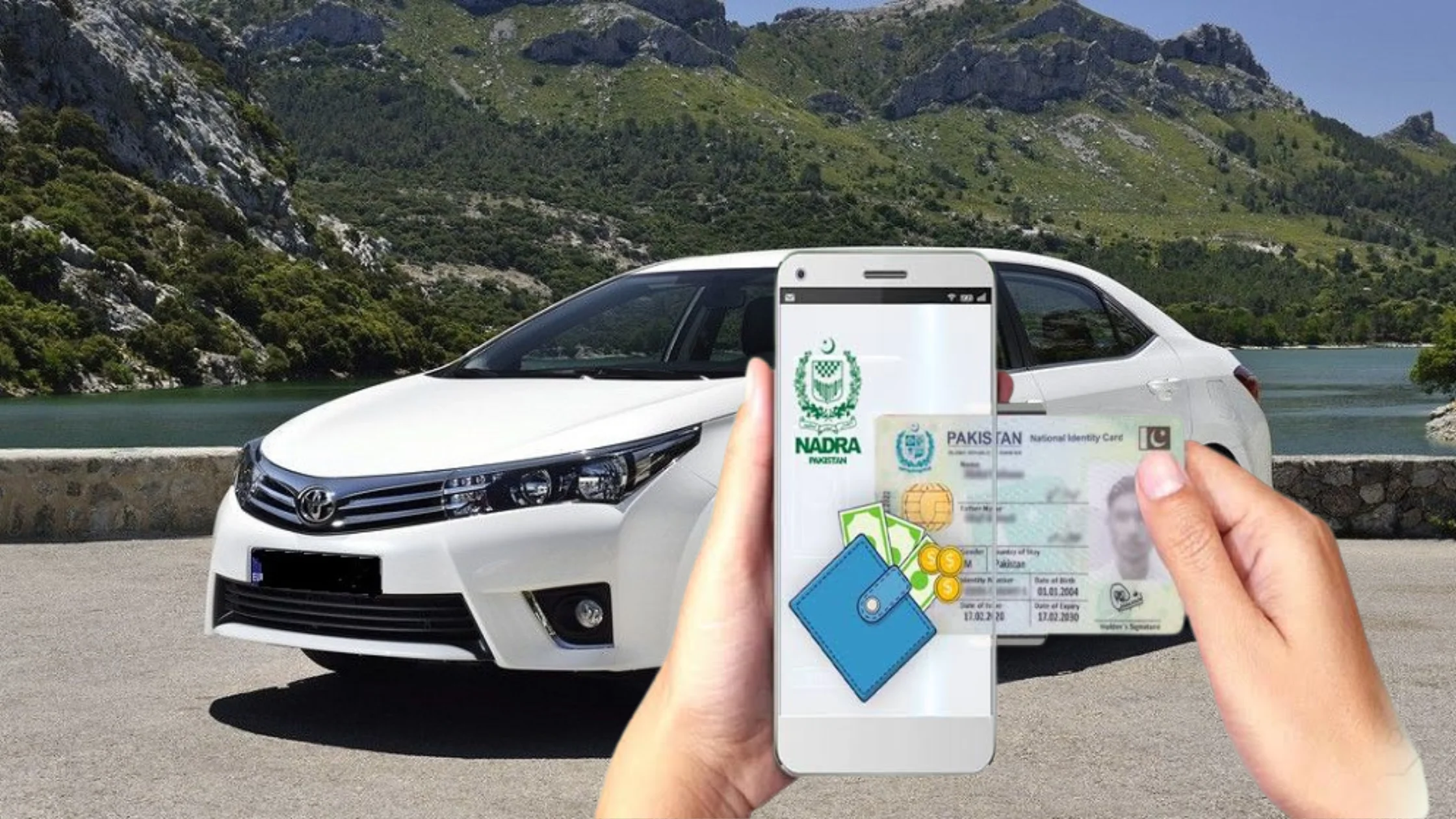
NADRA has launched a new digital facility that allows residents of Islamabad to transfer ownership of their Islamabad-registered vehicles from home. The service works through the Pak ID mobile app, enabling biometric verification and application submission without visiting an office.
2. Digital Verification for Both Buyer and Seller
Under this upgraded system, both the seller and the buyer can complete key steps of the transfer process online. Facial recognition and fingerprint authentication are performed through the app, making the process faster, safer, and more transparent.
3. Seller Begins the Process Through the Pak ID App
The seller must download and log into the Pak ID app. From the home screen, they must select Apply Digital Cards and then choose ICT Vehicle, which displays all Islamabad-registered vehicles under their name. The seller then selects the vehicle to be transferred and clicks Transfer Now.
NADRA Simplifies Process for Obtaining National ID Cards
4. Seller Completes Facial and Fingerprint Verification
The app asks the seller to complete two types of biometric verification:
- Facial recognition, using the front or back camera
- Fingerprint verification, following on-screen instructions
Once both are completed, the system automatically opens the Application Details page.
5. Seller Enters Buyer’s Information and Submits Application
On the application page, the seller must:
- Enter the buyer’s CNIC number
- Select Executive as the processing category
- Review the applicable transfer fee
After confirming all details, the seller submits the application. A Tracking ID and PIN code are generated—these must be shared with the buyer to continue the process.
6. Buyer Logs In and Confirms Transfer Using Tracking ID
The buyer opens their own Pak ID app, selects Vehicle Transfer under Government Services, and enters the Tracking ID and PIN. The app displays the vehicle and seller’s information, which the buyer must confirm before proceeding.
7. Buyer Completes Their Own Biometric Verification
Once the buyer confirms the details, they must perform:
- Facial verification, and
- Fingerprint authentication
After this, the application status automatically updates on the seller’s Pak ID app.
8. Payment Step Activated After Approval
When NADRA approves the request, a Pay Now option appears next to the Tracking ID.
The transfer fee can be paid using various digital payment methods, including:
- EasyPaisa
- JazzCash
- Raast
- E-Sahulat
- Debit or credit card
9. Biometric Receipt Available for Download
After payment is completed, the biometric transfer receipt becomes available in the ID Vault, inside the Vehicle Transfer folder under the My Documents section of the app. This receipt must be printed or saved by the buyer.
10. Final Step: Buyer Must Submit Documents to Excise Office
Even though the process is largely digital, the buyer must still visit the Excise and Taxation Office Islamabad for the final formalities. They must submit:
- The biometric receipt
- Required ownership transfer documents
After verification, the Excise Office officially updates the vehicle’s ownership record.